
Browser Pro Studio / Visual workflow systems
See the moment. Make the edit. Tell the story.
Image Browser Pro
Created by a photographer and educator for the real work of photography: finding the frame, writing the caption, updating metadata, shaping the edit, learning the craft, delivering on deadline, and shooting with intention. Frame Intake carries that work from a professional camera to the desk while the story is still happening.
METADATA
Metadata entry made easier.
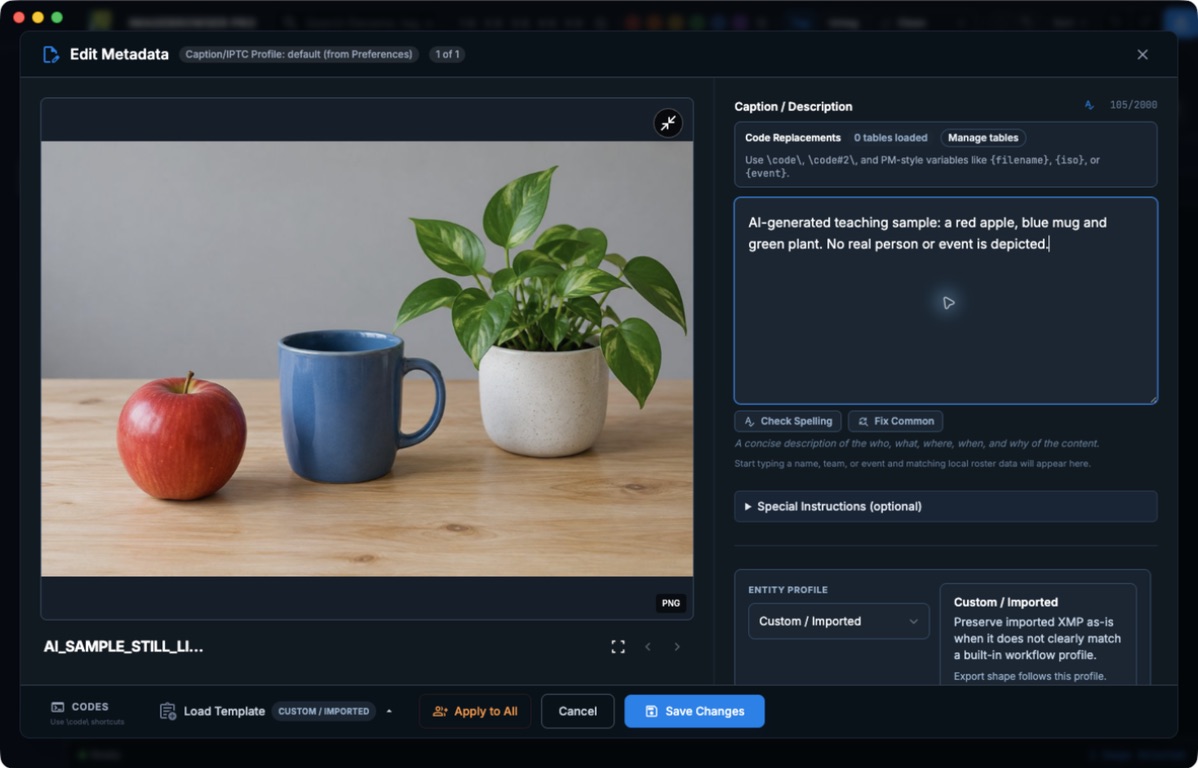
Write captions, names, credits, and keywords with the image in sight. The metadata is saved to EXIF, IPTC, and XMP fields that travel with the file.
COLLEGE ATHLETICS / NIL
Built for large volumes.
Set up the game once, then reuse those answers and your roster shorthand across thousands of frames. Accurate athlete names in the metadata are what NIL use depends on.
DELIVER
Hand off the finished files.
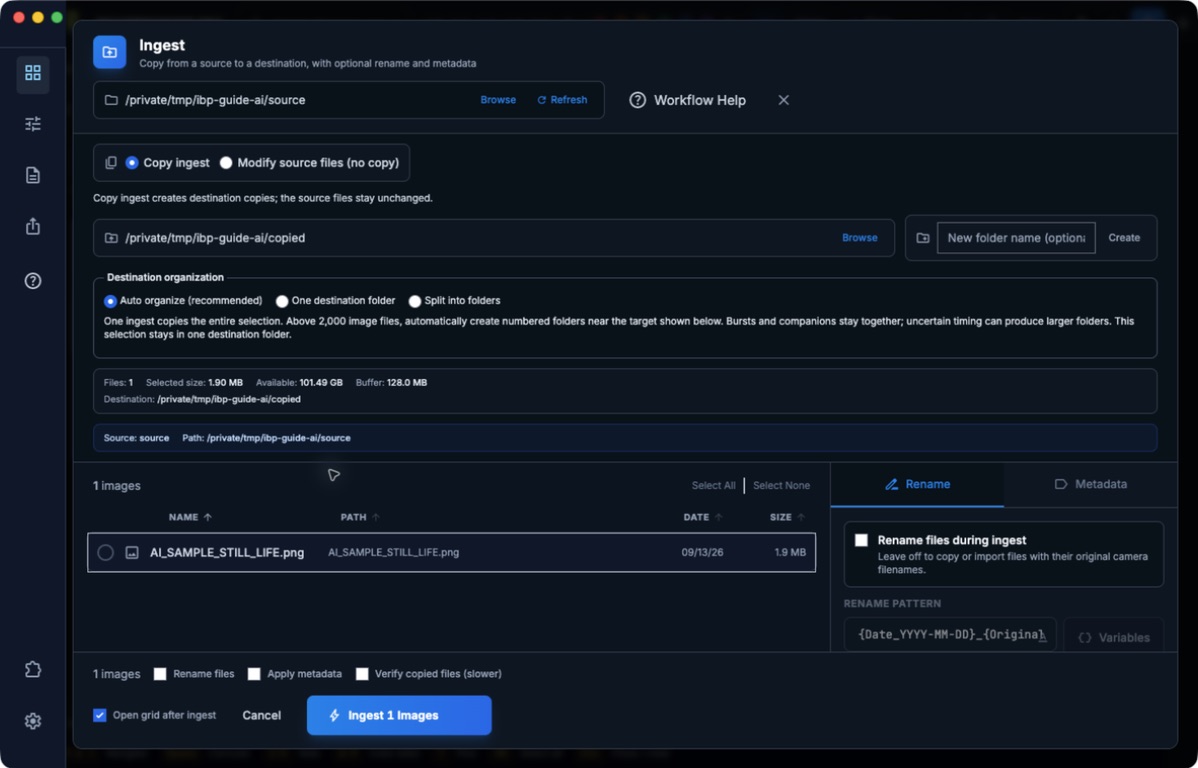
Export copies to the spec, build a workflow package, or send to a Custom FTP destination you set up.
ImageBrowserPro / Photo workflow
See the photograph. Write the story. Complete the assignment.
ImageBrowserPro is a professional photo viewer and metadata-writing workspace. See the photograph while entering accurate captions, names, credits, copyright, locations, keywords, and publishing information.
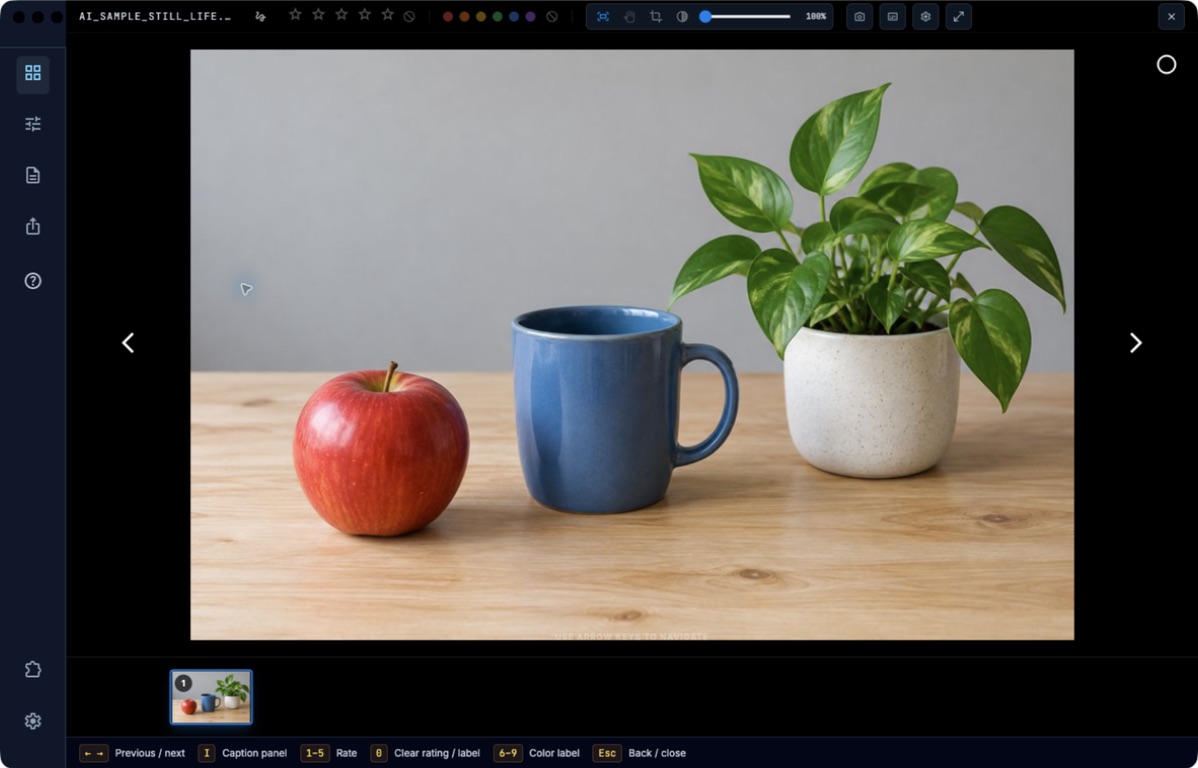
Professional photo metadata
Caption and organize around the photograph with a focused workspace for EXIF, IPTC, XMP, and code replacements.
[CORE_WORKFLOW_01]
Visual communications
Use rubrics, comments, screen recordings, and visual markup to make image grading and critique clearer for teachers and more useful for student storytellers.
[EDUCATION_WORKFLOW]
Remote picture editing
Redefine the remote photographer–picture editor relationship through shared visual feedback, drawing, screen recording, selects, captions, and delivery.
[PICTURE_DESK_WORKFLOW]
Why ImageBrowserPro exists
Built around the decisions a photographer makes every day.
A card comes in from the game. The decisive moment is buried in a burst. Names, context, and credits still need to be right. A picture editor needs a clear sequence, and the delivery deadline is already moving. In the classroom, the next question is just as important: why does this photograph work?
ImageBrowserPro grew from a photographer and educator living those problems. It follows the assignment from shoot to take to individual file, then supports human culling, the final picture edit, careful toning, captioning, and delivery. The photograph stays visible while the work around it gets done.
ImageBrowserPro workflow
01
Ingest
02
Cull
03
Edit
04
Caption & Tone
05
Deliver
Designed for the whole assignment
Practical tools for the moments that decide the story.
Review the take, make the final human selection, keep the facts attached, and show others why the image matters.
SPORTS / REVIEW
Find the frame that matters.
Open a complete burst from one cover, scrub the sequence, return to camera-tagged moments, and compare contenders before you choose.
DEADLINE / ASSIGNMENT
Keep the deadline in view.
Plan the event, track takes and coverage segments, set a human selection target, and keep primary and backup delivery plans close to the edit.
CAPTIONS / CONTEXT
Write with the picture in view.
Enlarge the photograph while the caption stays editable. Reuse IPTC templates and Code Replacements for names, credits, keywords, and other publishing details.
SELECTION / SEQUENCE
Shape the edit as a story.
Build ordered Selection Sets across folders, work with two sets side by side, and export chosen photographs in their saved sequence.
TONE / ORIGINALS
Adjust the moment without losing the source.
Use a local Quick Mask to lift a shaded face under a helmet or cap, then export a separate finished copy while preserving the original.
TEACHING / CRITIQUE
Teach on the photograph itself.
Draw composition guides and callouts, record a spoken demonstration, and save image-free Critique Binder revisions beside the take for review.
From decision to delivery
Keep the work useful after the final selection.
Export a numbered sequence, prepare a presentation from the same set, or package selected originals, sidecars, and finished copies for the next step in the workflow. Your photographs and the decisions around them stay connected.
A workspace shaped by the people doing the work.
ImageBrowserPro is in a limited private beta. Explore the workflow now and request access to help shape what comes next. Public purchasing is not open yet.
Browser Pro Studio / Design philosophy
Professional tools for the people behind visual stories.
A focused ecosystem designed to stay out of the way of the work. Low-contrast surfaces, precise controls, and clear information keep your content in command.
Build the story around your images
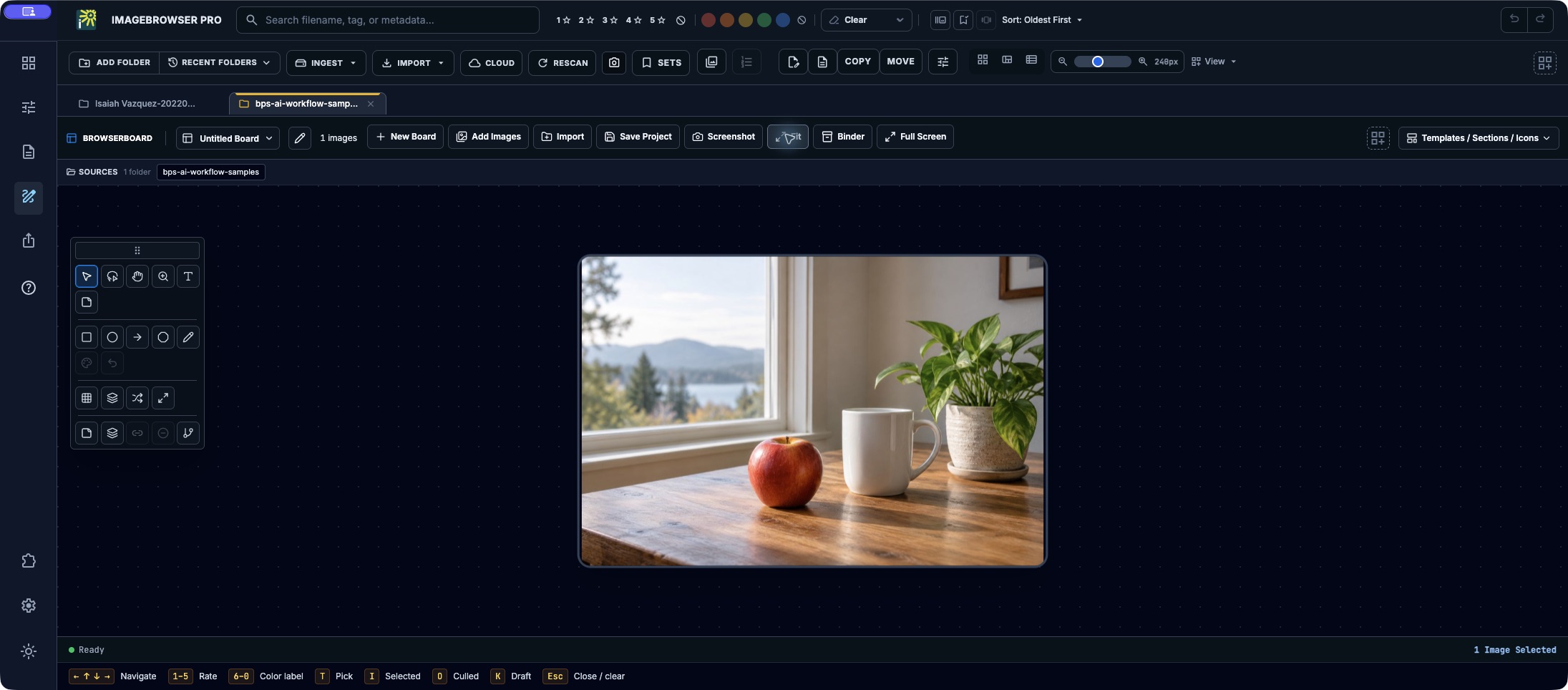
BrowserBoard: see the relationships
Move photographs around a spatial board, arrange a grid or spread, and add text and notes. Save the board in your working project and keep the image files separate.
Read the workflow instructions →
Story Review: discuss the edit on the image
Review the ordered Set, write photograph comments, and place movable Post-its directly on the image. Exchange the review through a Binder while each person keeps their own photographs.
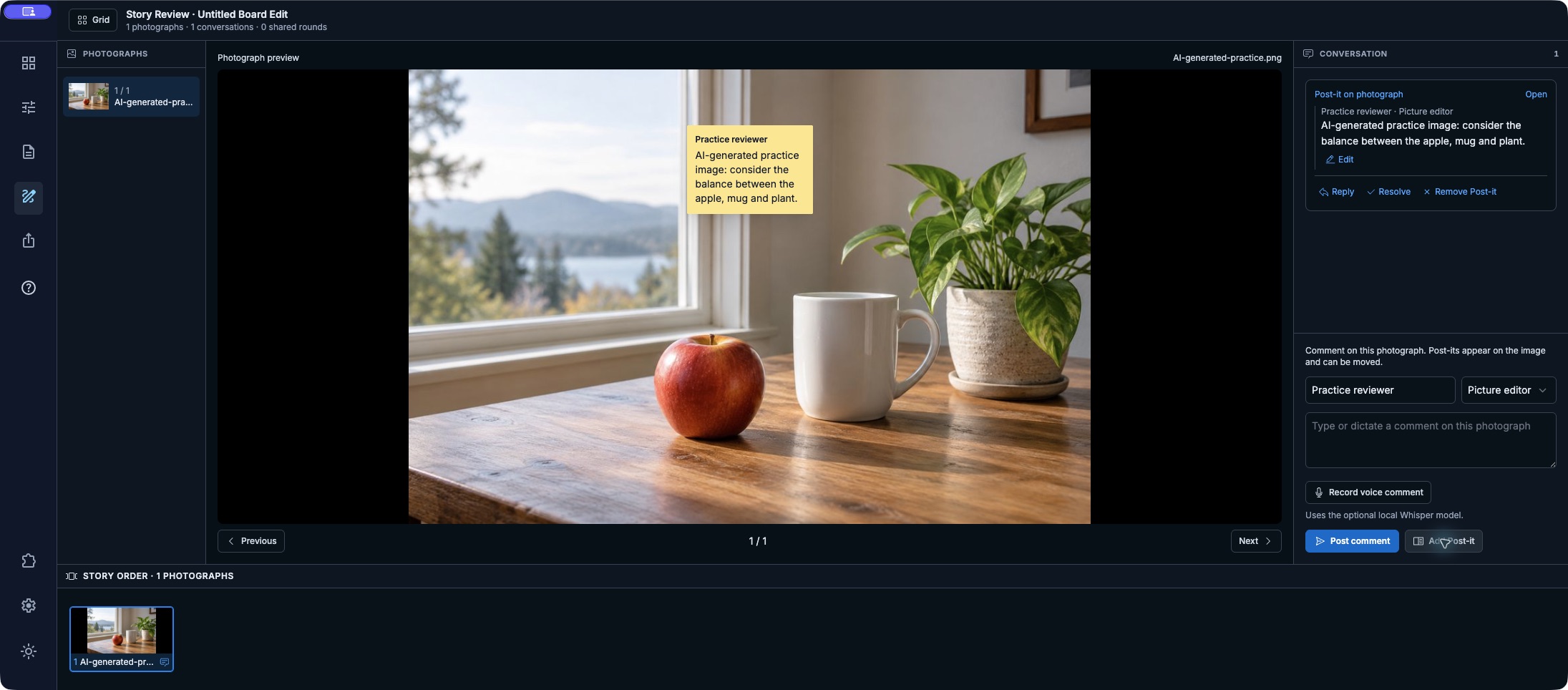
Read the workflow instructions →
Carousel markup: show what you mean
Open Work Mode on the photograph to draw, add notes, and show composition guides. Use a visual explanation alongside your written or spoken feedback while keeping the original unchanged.
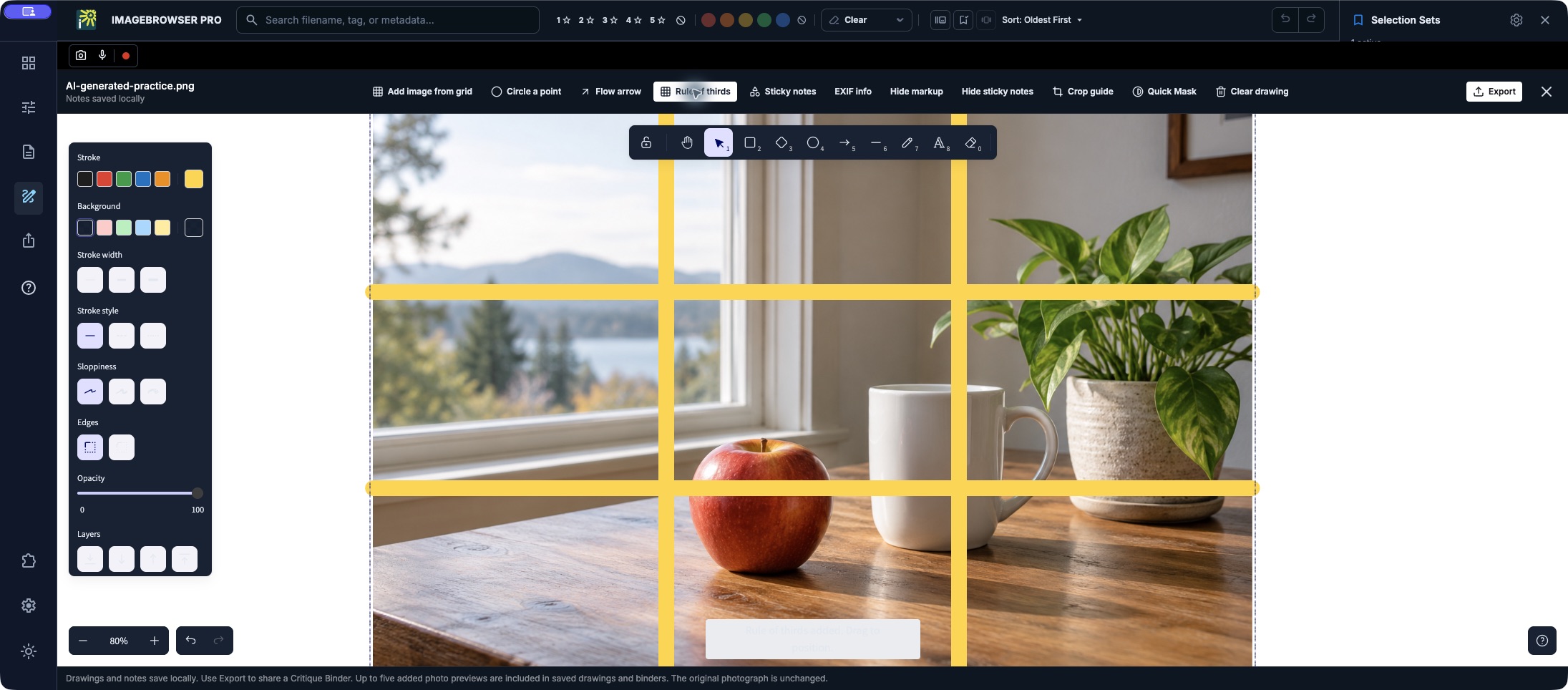
Read the workflow instructions →
Preview the social edit before posting
See the ordered images in Instagram or Facebook phone previews, inspect framing, and prepare the post text. Copy text or export the sequence for your handoff. This preview does not publish, upload, or schedule posts.
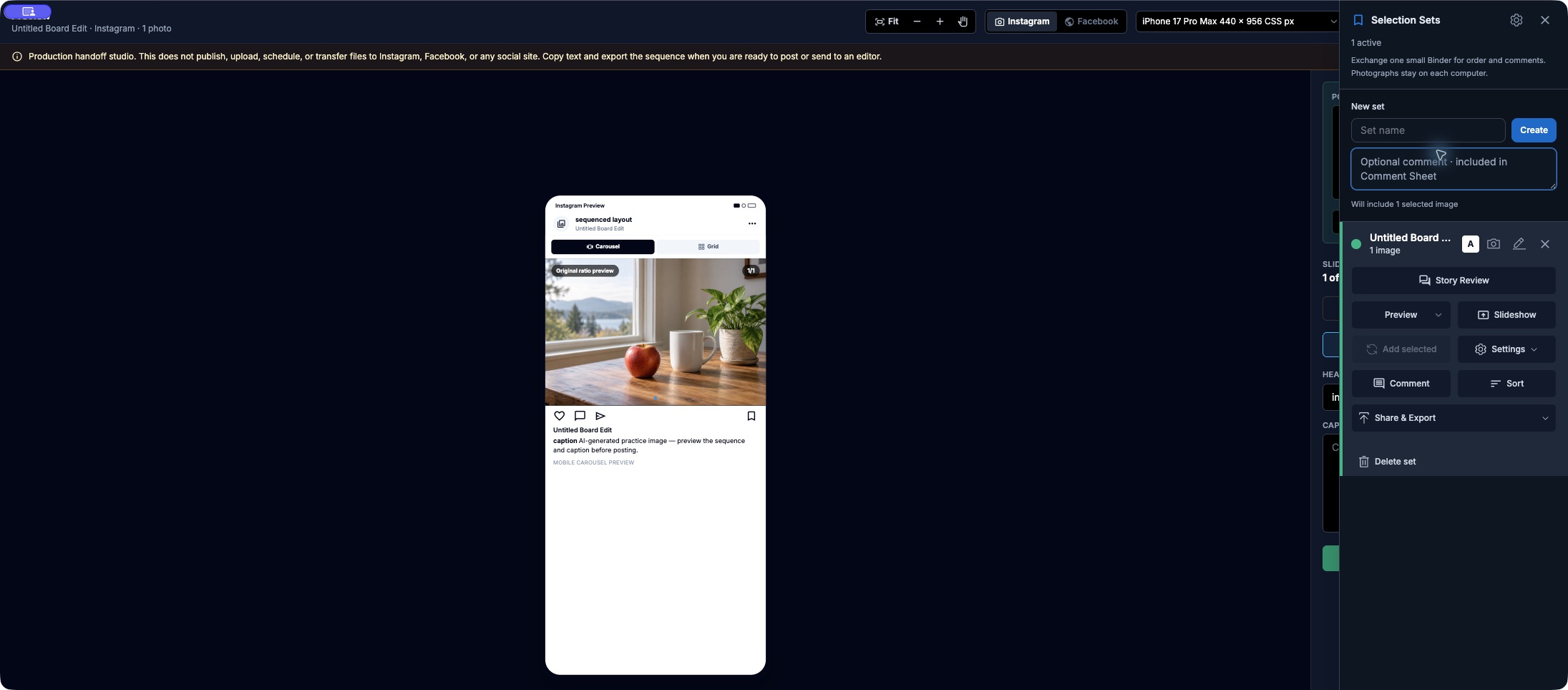
Read the workflow instructions →
Many images? Build the presentation from your grid.
Dropping photographs into PowerPoint one by one is no fun. Start in the image grid, compare your choices, and build an ordered Selection Set. Open Slideshow Studio, add image and text slides for titles, questions, section breaks, or credits, and arrange the slide rail. Export a self-contained HTML slideshow or PowerPoint deck, then check the actual output.
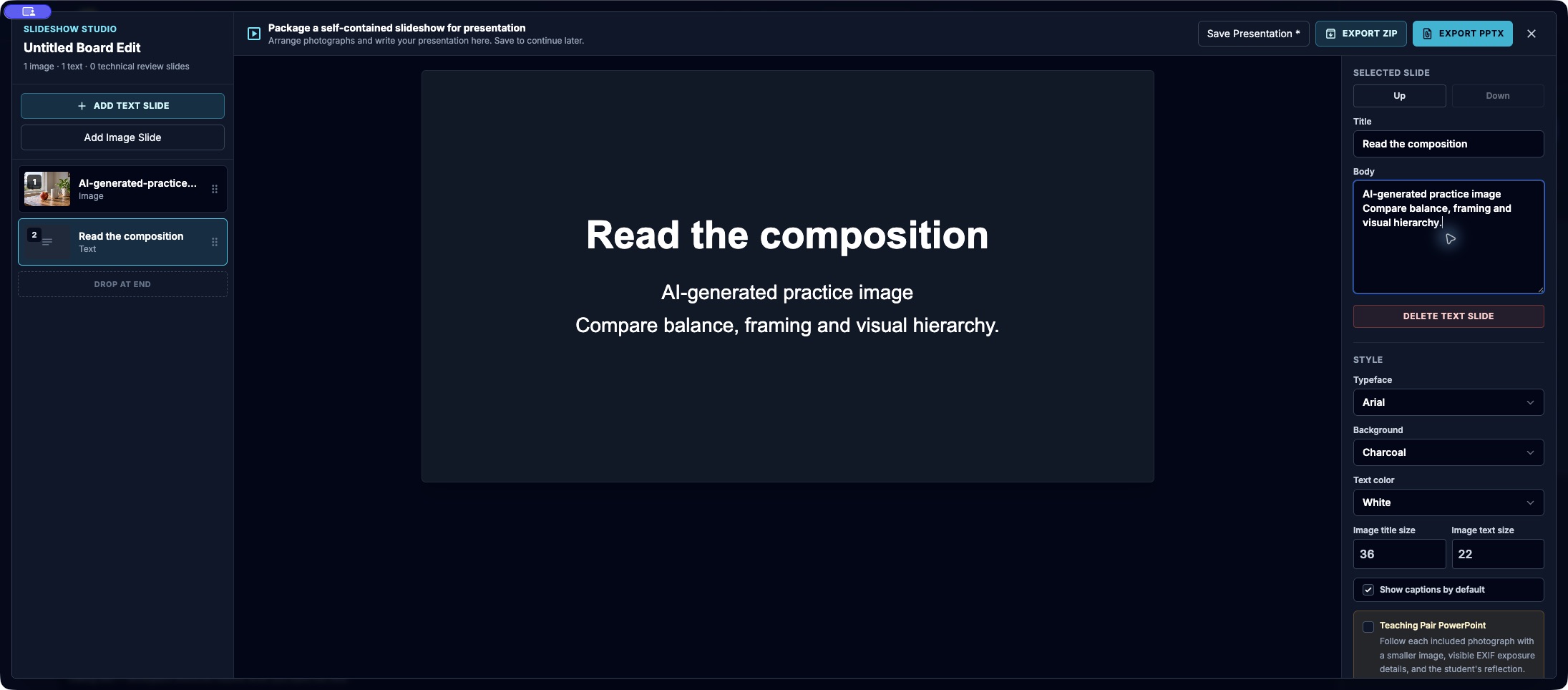
Read the workflow instructions →
Entering a contest? Get your metadata under control.
Choose or configure the requirements profile to match the contest’s current rules. Review missing or invalid fields, fill accurate captions, credits, rights and other required values, then reopen the saved files and check the export. Catch omissions before the deadline; a local profile check cannot guarantee eligibility or prevent every disqualification. AI-generated examples here are for learning; actual entries must follow the contest’s imagery rules.
Browser Pro Studio / Ecosystem
Two tools for the story.
Browser Pro Studio is an ecosystem of tools for visual storytellers. Browser Pro Studio builds tools for the photograph and the deadline.
Image Browser Pro is the workspace for the photograph. Frame Intake gets a professional camera frame to that desk while coverage is still happening.
IMAGE BROWSER PRO
See the photograph.
Find the frame, write the caption, shape the edit, and deliver on deadline.
FRAME INTAKE
Get the frame to the desk.
Send from a professional camera to the assignment inbox while the story is still happening.
IMAGEBROWSERPRO / BETA RELEASE
Help shape the release.
ImageBrowserPro is currently in limited beta. Public purchase availability, pricing, and final license terms are still to be determined.